Halifax Kakuro

Halifax Kakuro as an app

The online puzzles can also be installed as an app on your phone, tablet or computer. This is a great way to keep puzzling when you are offline.

There is nothing to download from an app store, and no account to make. The app is the same as the website, just installed as an icon on your home screen. It updates itself: when there is a new version, you get it the next time you start the app. And it is of course free!
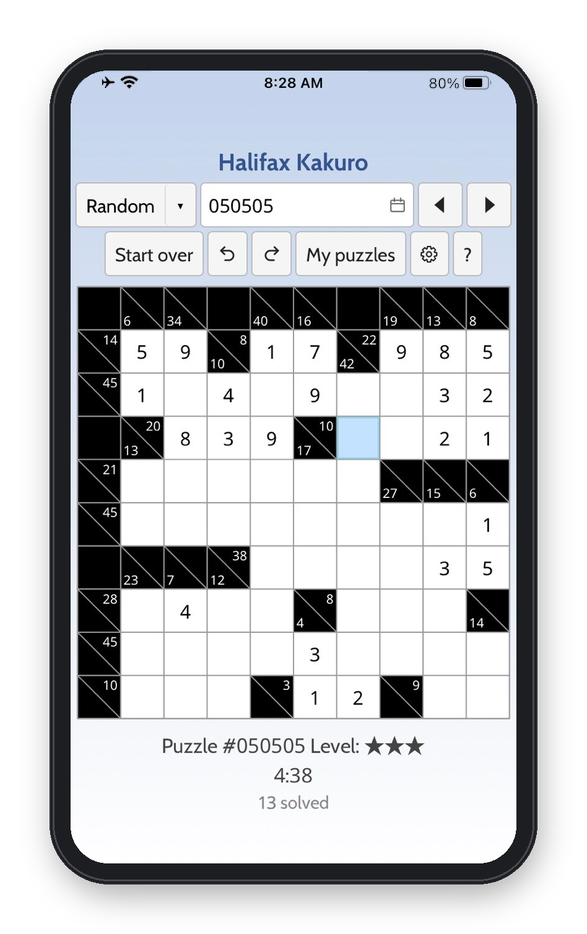
The Halifax Kakuro app on a phone, with a puzzle partly solved
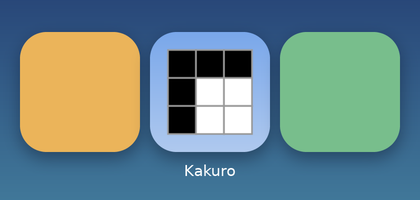
The Halifax Kakuro icon on a phone's home screen, between two other apps

How to install it

Start by opening the online puzzles in your browser. Then:

iPhone and iPad

The end of the Share menu, with Add to Home Screen marked
  1. Open the puzzles in Safari, Chrome or Edge.
  2. Tap the Share button, .
  3. Choose Add to Home Screen, then Add.

Android

  1. Open the puzzles in Chrome.
  2. Open the menu, , and choose Install app or Add to Home screen.

Windows, Mac and Linux

  1. Open the puzzles in Chrome or Edge.
  2. Click the install icon at the right-hand end of the address bar, , or look for Install in the browser's menu.

On a Mac, Safari can do it too: File → Add to Dock. Firefox does not install apps of this kind, but the puzzles work in it all the same, offline included.

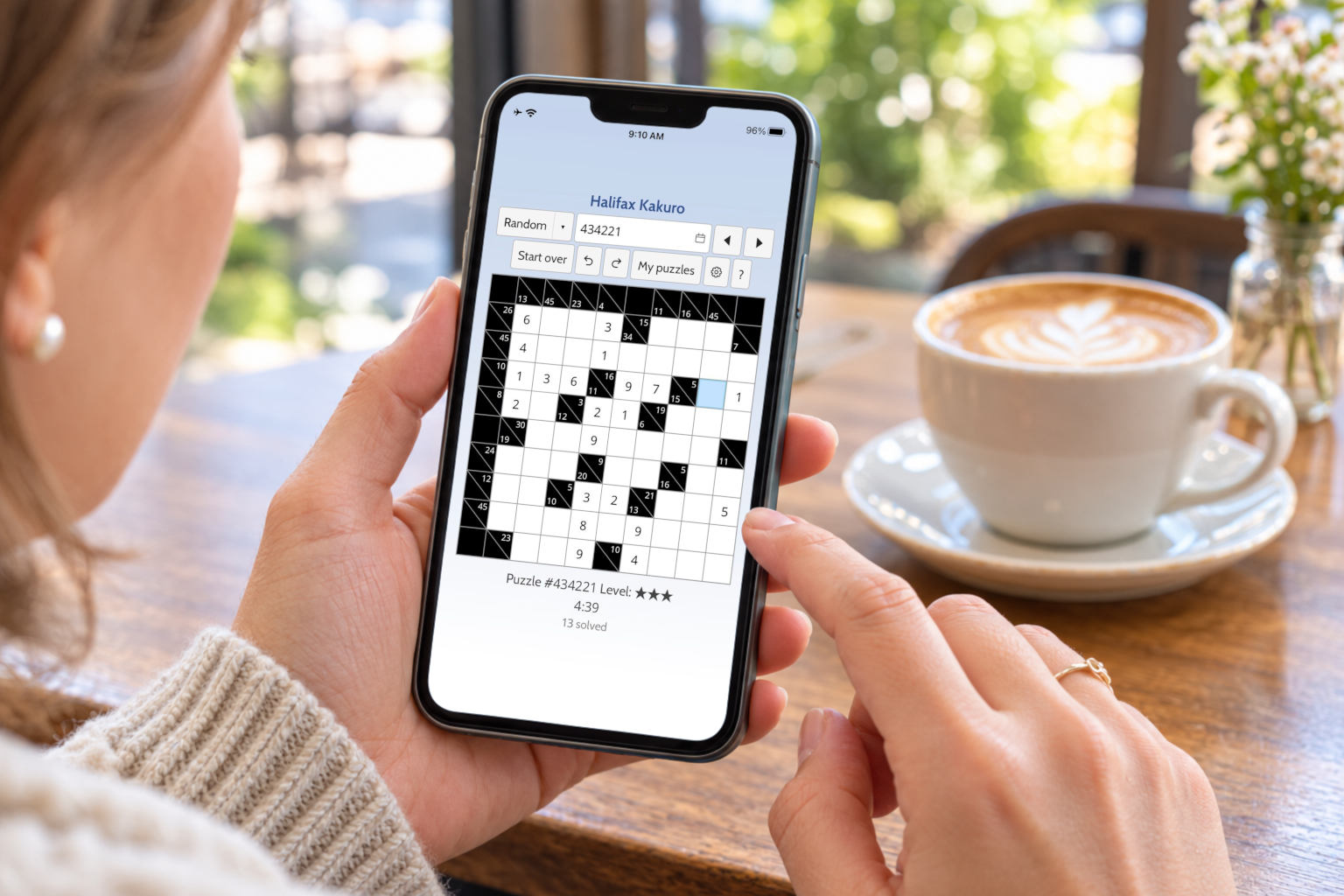
Someone in a café holding a phone with the Halifax Kakuro app open, a cup of coffee beside it

Playing offline

The app can also be used offline. Whenever you are online, the app downloads a supply of daily puzzles as well as some random ones. So even when you are offline, you can still do yesterday's puzzle, look ahead to next week, or ask for a random puzzle.

Of course, puzzles you are working on and puzzles you have already solved also stay on your device.